Tesla FSD: Troubleshooting & Tips
Why it will not engage, why it keeps warning you, phantom braking, adjusting the profiles, and the handful of habits that get the most out of it.
Why won't FSD engage in my Tesla?
Usually there’s a message on the screen telling you, and it’s worth actually reading it. The common ones are a blocked or uncalibrated camera, a situation it won’t operate in, a recent update that’s still calibrating, or you got locked out earlier in that same drive for not paying attention. Clean cameras, a finished calibration and decent visibility fix most of it. If the screen says something specific, believe the screen.
Why does FSD keep warning me to pay attention?
Because the cabin camera and the wheel sensors think you’re not ready to take it. Looking away too long will do it. So will certain sunglasses or a hat brim that covers your eyes, or reaching around for something in the seat. Keep your eyes forward and your hands where they belong and the warnings mostly go away. If they don’t, look at what’s actually blocking the camera’s view of your face.
How do I update my Tesla's FSD software?
It comes to you over the air. The car tells you when one’s ready and it usually installs overnight while you’re parked on wifi. Keep it on wifi at home and set your software preference to get updates promptly and you’ll just get them. After a big update it may want a short drive to recalibrate itself, which is normal and doesn’t take long.
FSD feels too cautious or too aggressive. Can I adjust it?
Yes, and I’d go do that before deciding you don’t like it. There are settings for the driving profile, for how much over the limit it’ll run, and for how it handles lane changes. If it’s braking earlier than you’d like or hanging back too far, that’s adjustable. I’ve tried every profile at one point or another, and on the recent builds I’ve settled on Standard, because the profiles themselves got more assertive and the middle setting now sits where the hotter ones used to. Spend ten minutes in the Autopilot settings and dial it to what feels right to you, and remember the behavior keeps changing with updates anyway.
Why did FSD brake suddenly for no reason (phantom braking)?
Every so often it grabs the brakes when there’s nothing there, and people call that phantom braking. Usually it’s misreading something: a shadow, an overpass, oncoming headlights, unclear paint. It’s gotten a lot rarer on the newer end-to-end builds, but it still happens. When it does, don’t fight it, just keep driving and keep watching. I had a little stutter on the 152 exit that I still can’t fully explain, and I wrote it down so I’d notice if it happened again.
What should I do if FSD does something I don't like?
Take it over right then, steer or brake, and drive it yourself until things settle down. Then, if your version supports it, tap the camera icon or use voice to report what happened, because that feedback goes back into the training. It feels like shouting into a well but it isn’t. That’s part of how the thing improves for everybody, and it’s about the only lever any of us have.
What are the best tips for getting the most out of FSD?
Keep the cameras and the windshield clean, that’s number one and it’s free. Put a destination in, even for short trips, because it drives better when it knows where it’s going. Use it where it’s strongest, which is highway miles and stop-and-go traffic. Stay attentive so it never locks you out. And give it a few weeks before you decide anything, because both the software and your own comfort with it change fast. Mostly, remember it’s an assistant and you’re the one driving. That’s not a caveat, that’s just how to use it well.
Notes that back these answers
The stabs are back, and I think it’s a lane problem
I’m on 14.3.6 now. There’s talk going around that the stabby braking is back, and I’ve been watching mine to see whether I agree. What I can tell you is that for me…
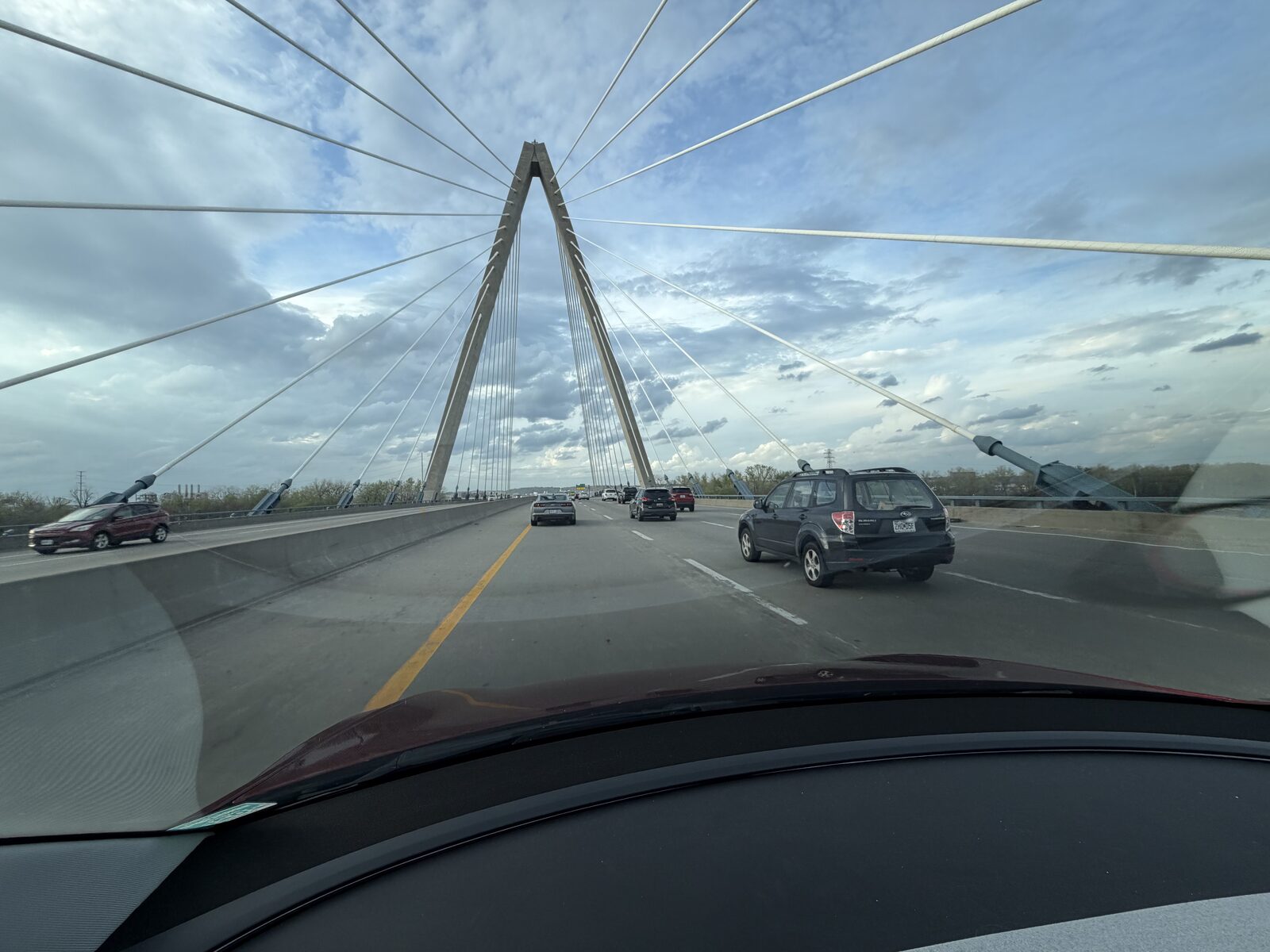
A little stutter on the 152 exit
I was on 152 today, exiting the highway in a turning lane, and the car did something I still can’t quite explain. It stuttered. A quick brake and a little wobble in…
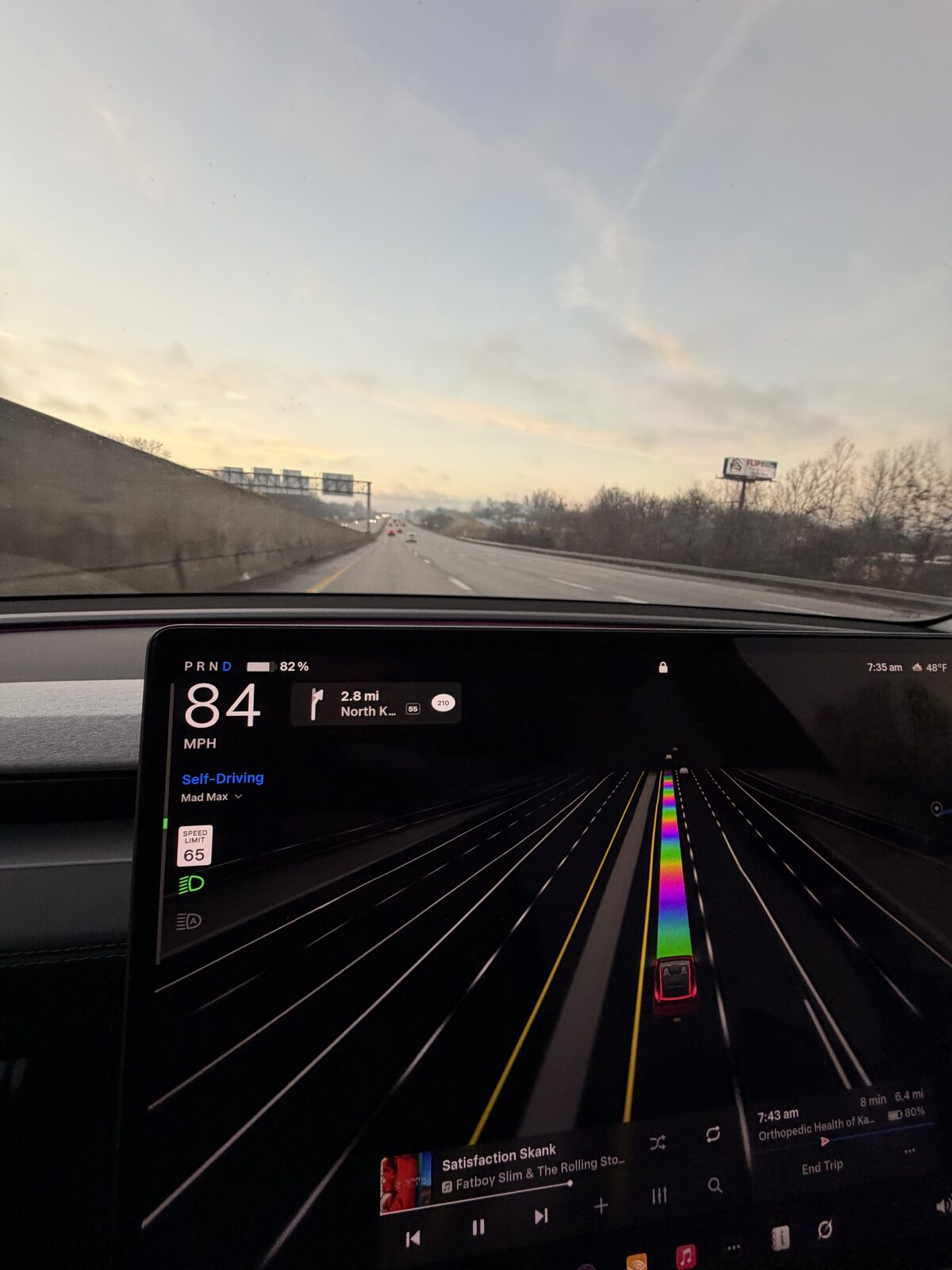
How I deal with FSD’s speed-limit misreads, and the I-35/I-29 speed trap
FSD still misreads speed limits, mostly in construction zones, and I’ve found a way to live with it. The trick, if you want to call it that, is the speed profile.…
Thinking about a Tesla? Get 3 months of FSD free.
Use my Tesla referral → Referral code: roger804133Not buying anything today? The same link books a demo drive, so you can go drive FSD yourself first.
Schedule a demo drive →Tesla gives you 3 free months of FSD and credits me, for an order or a demo drive. It costs you nothing either way. Full terms →