Tesla FSD brake stabs and phantom braking on v14: what I actually get.
There is a lot of talk online about brake stabs, the car jabbing the brakes for no good reason. Here is my record of it, build by build, from a car that runs FSD about 98% of the time. The short version: on the early 14.3 builds I did not get them at all, and when they showed up they were not random. Almost every time, the car was confused about a lane.
What people mean by it
Every so often the car grabs the brakes when there is nothing there, and people call that phantom braking. A brake stab is the smaller version, a quick jab rather than a full slowdown. Usually it is misreading something: a shadow, an overpass, oncoming headlights, unclear paint. It has gotten a lot rarer on the newer end-to-end builds, but it still happens. When it does, do not fight it, just keep driving and keep watching.
What I got on 14.3.3: nothing
When I first wrote about this in June, I honestly did not run into it. Maybe it was the kind of driving I do, or maybe it just did not catch my attention the way it catches other people's, but it was not a problem for me. And I think I would have noticed. A real brake stab jerks the car enough to get your attention. I could not point to a single specific time it had happened to me. So either I was lucky with the roads I was on, or it was not as widespread as the forums made it sound.
What I got on 14.3.6: stabs, and a pattern
By August there was talk going around that the stabby braking was back, and I watched mine to see whether I agreed. What I can tell you is that for me it is not random. Almost every time it happens, the car is confused about a lane. An intersection where it cannot decide which lane it belongs in, or a turn where the lane it wants and the lane that is painted do not agree. Left turns more than right, which I did not expect.
That was a change from what I wrote before. I still do not get them the way people describe them, out of nowhere on an open road with nothing happening. I get them when the car is in the middle of deciding something.
The clearest example: one split line
There is a particular intersection I come up to that gets the car every time. Coming into it there is a turn lane on the left, two lanes going straight, and a double turn lane on the right. That double turn lane has a split line down the middle of it, where the one lane becomes two.
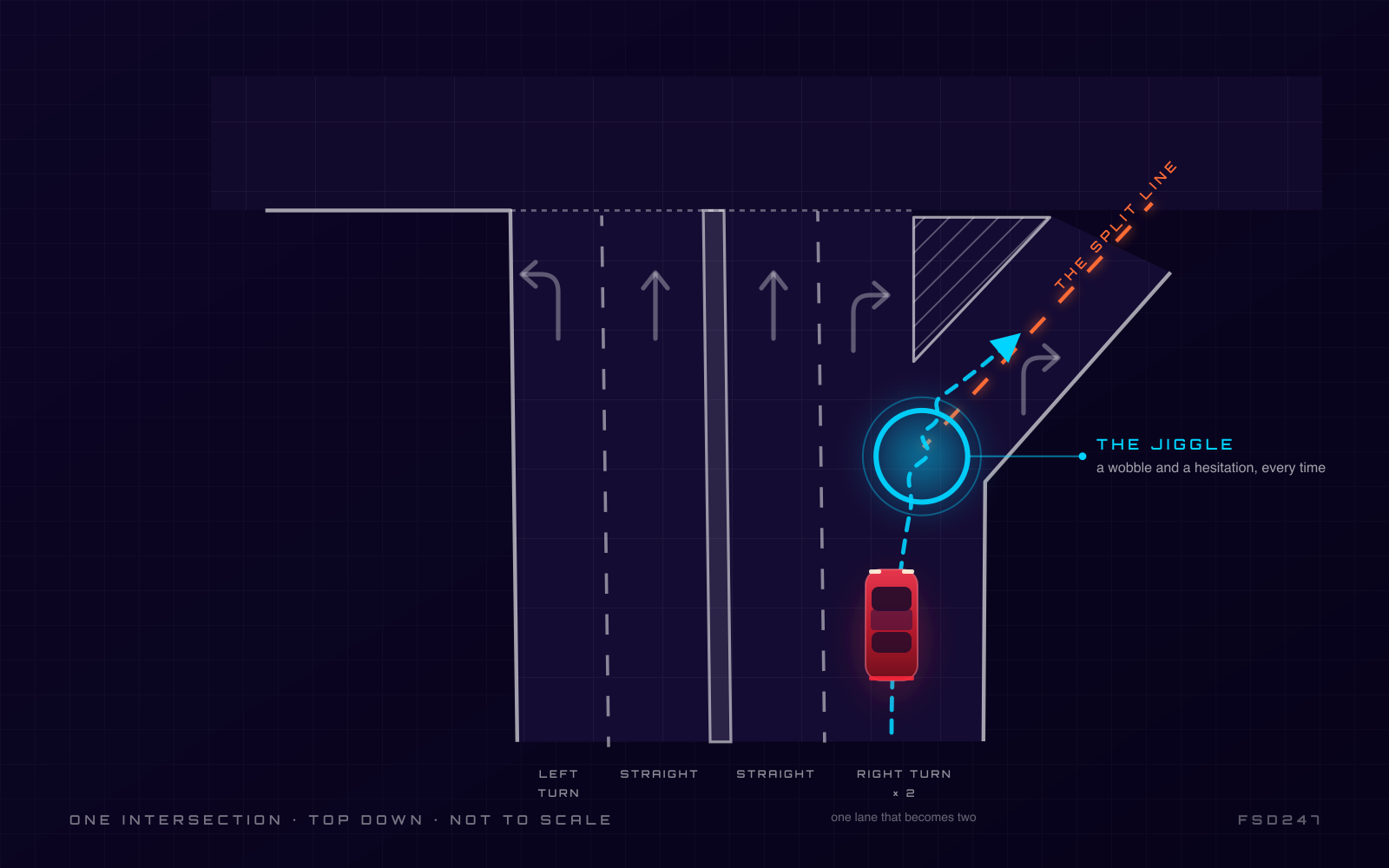
When the car heads down the right turn lane and reaches that split line, it does a jiggle and a hesitation. It cannot decide what to do. I think it sees that line show up under it and thinks it is suddenly in the wrong lane, driving down the middle of the road. This has been going on for quite a while, across builds, and it is still there on 14.3.9.
The one I still cannot explain
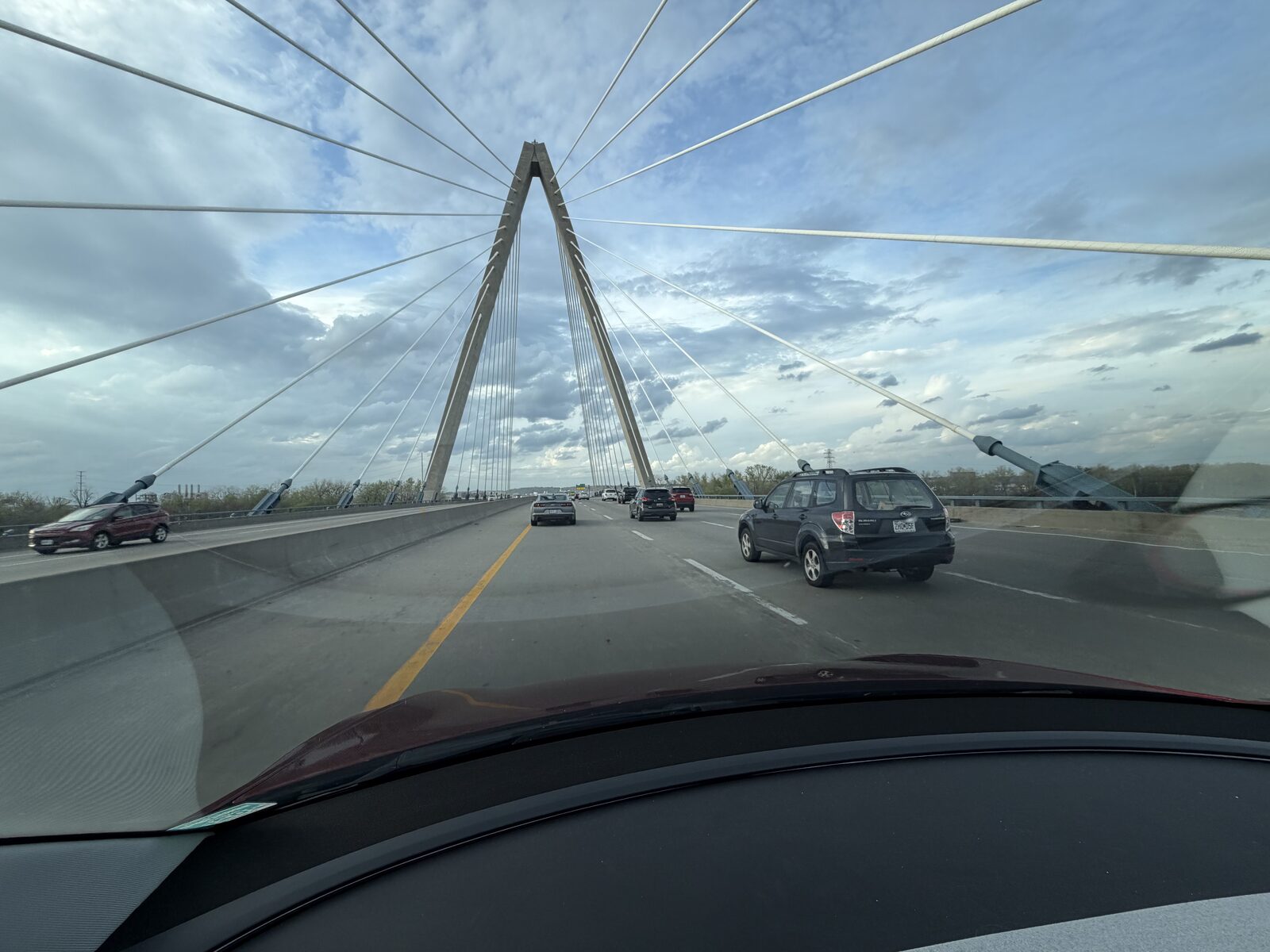
On 14.3.4 I was exiting the highway on 152 in a turning lane and the car stuttered. A quick brake and a little wobble in the wheel, right before it committed to the exit. There was nothing there to stop for that I could see. I had already gone past the main entrance to the turnout and all that was left was the solid white line. It finished the lane change fine, but that half second stuck with me. Other owners have talked about 14.3.4 swerving for shadows on bare pavement, and I keep wondering if that is what I saw. Or maybe just the white line. I honestly do not know.
The cousin of this: speed-limit misreads
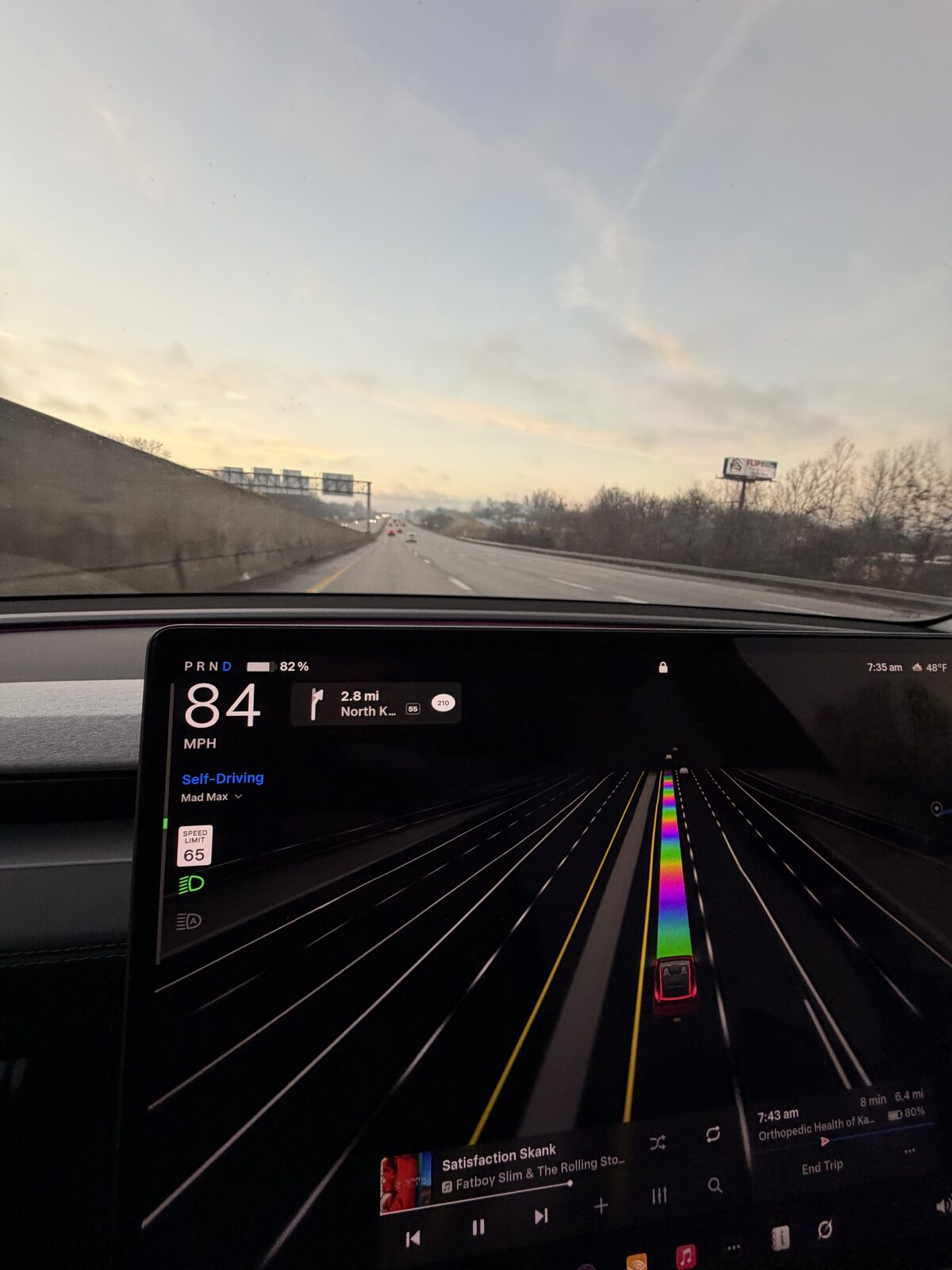
Not a brake stab, but it lives in the same family of the car reacting to paint and signs. FSD still misreads speed limits, mostly in construction zones, and there is one stretch of I-35 and I-29 on the north side of the river where the limit drops to 55, traffic runs 60-plus, and FSD wants to keep up with the flow. That is a speed trap. What I would love is for it to learn the spots where the posted limit and the moving traffic do not agree.
The way I live with it is the speed profile. If I am in Standard and the car is pushing harder than I like, I drop it down a couple of notches. You should not have to babysit it like that, but it keeps the car from overdoing it.
What I do about it
- Do not fight the brake. Keep driving, keep watching. A stab is a half second.
- Watch the intersections where lanes disagree. That is where mine happen. Left turns most of all.
- Answer the pop-up. On the recent builds the car asks why you took over. Tell it accurately. If you ignore those prompts it does not seem to learn; if you answer them, it does. That started for me around 14.3.7.
- Keep the glass clean. Everything it reacts to comes in through the cameras.
I will keep this page current as the builds change. If 14.3.9 or whatever comes next fixes the split line, you will read it here first.
The notes behind this page
Everyone talks about brake stabs. I don’t get them.
There’s a lot of talk online about brake stabs, the car jabbing the brakes for no good reason. I keep hearing about it and honestly, I don’t run into it. Maybe it’s…
The stabs are back, and I think it’s a lane problem
I’m on 14.3.6 now. There’s talk going around that the stabby braking is back, and I’ve been watching mine to see whether I agree. What I can tell you is that for me…
The split line that makes my car jiggle
There’s a particular intersection I come up to that gets the car every time. Coming into it there’s a turn lane on the left, two lanes going straight, and a double…
A little stutter on the 152 exit
I was on 152 today, exiting the highway in a turning lane, and the car did something I still can’t quite explain. It stuttered. A quick brake and a little wobble in…
How I deal with FSD’s speed-limit misreads, and the I-35/I-29 speed trap
FSD still misreads speed limits, mostly in construction zones, and I’ve found a way to live with it. The trick, if you want to call it that, is the speed profile.…
Thinking about a Tesla? Get 3 months of FSD free.
Use my Tesla referral → Referral code: roger804133Not buying anything today? The same link books a demo drive, so you can go drive FSD yourself first.
Schedule a demo drive →Tesla gives you 3 free months of FSD and credits me, for an order or a demo drive. It costs you nothing either way. Full terms →